Choose a SolidCraft example model
Start with the parametric block if you are new to sketches, dimensions and the feature timeline. Choose the mounting plate next to explore an outer profile with four circular cutouts. Each detail page explains how the model is constructed, what to change and what to check in the rebuilt result.
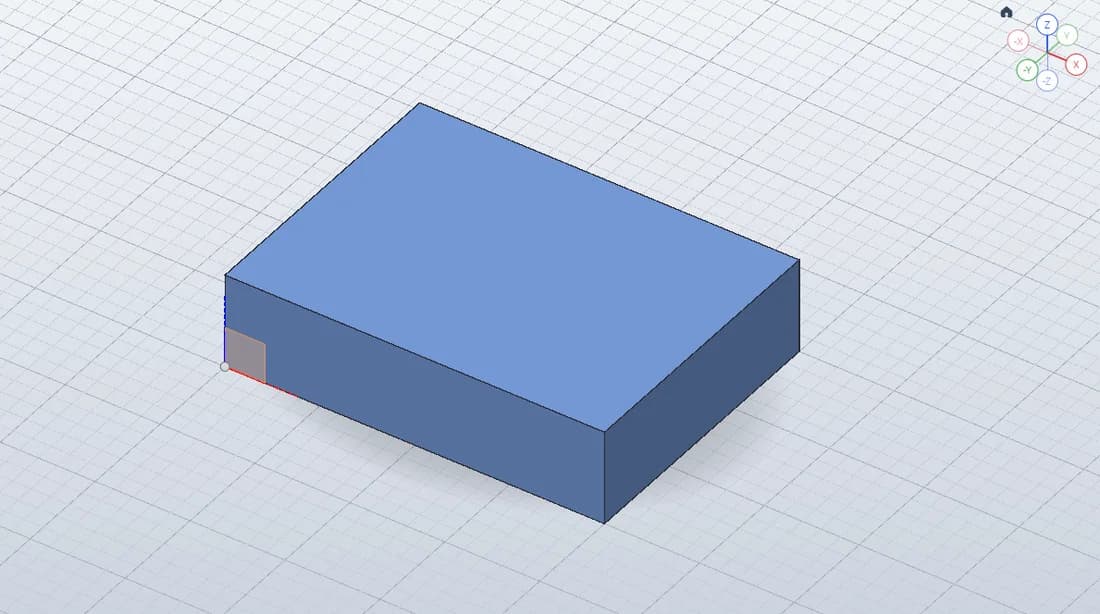 PART / 01
First Parametric Block
~5 minOne sketch, two dimensions, one extrusion. A small part that teaches the whole workflow.
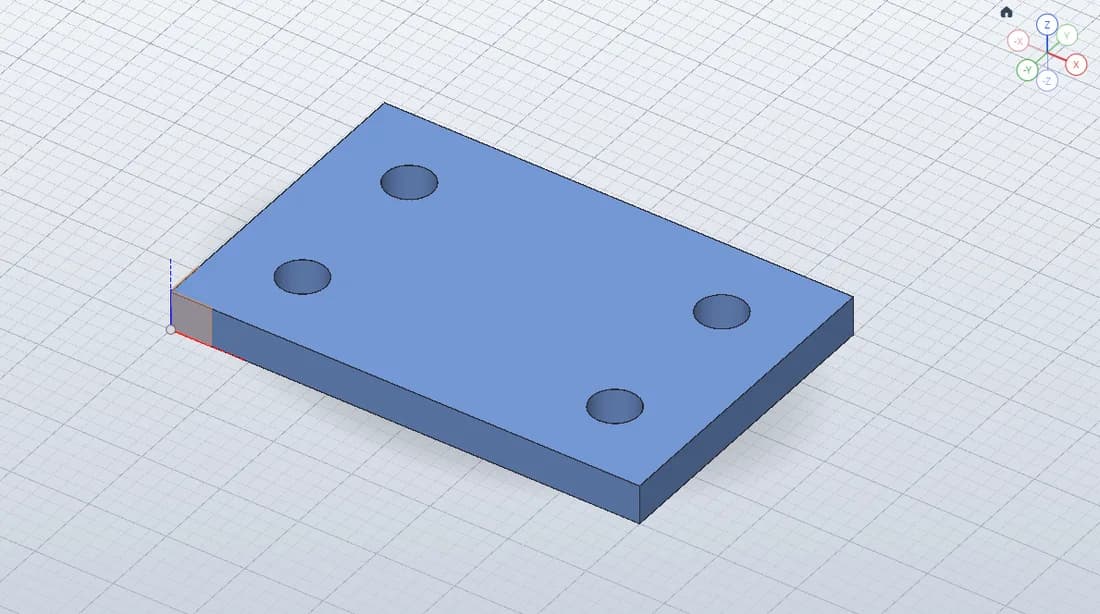 PART / 02
Mounting Plate
~8 minTurn a rectangular profile and four circular cutouts into a useful mounting plate.
How to open and edit a SolidCraft model
- Choose an example. “Open in CAD” takes you to its launcher. Launching the sample creates a new example design, so download a native backup of any current work first.
- Inspect the construction. Find Sketch1 and Extrude1 in the timeline. For the block, edit a driving dimension to see the solid rebuild. For the plate, inspect how the circular profiles form the through-holes.
- Keep your changes. Use File → Open… → Download open design to download a .solidcraft file. To reopen a downloaded example, use Open from computer… in the same panel, or drop the file onto the CAD canvas.
If a sample launcher cannot open the part, visit its detail page and use the native file download. This gives you the same editable model through the editor’s native-file import. For a walkthrough from an empty design, follow the SolidCraft beginner tutorial.
What is included in each CAD example?
Each example includes dimensions in millimeters, an actual viewport capture, an editable native design and a measured volume from the checked web build. The block also has a verified dimension-change exercise: changing its width from 40 to 50 mm rebuilds the volume from 12,000 to 15,000 mm³.
Use the native file to study the sketch and feature history. Geometry exports such as STEP or STL serve other CAD and slicing workflows; they do not replace the native model when you want to revisit its construction. The mounting plate detail page also lists the hole positions and explains its approximate volume measurement.
Model checks and screenshots: 2026-10-18. Read the source and browser verification details.