Open First Parametric Block in SolidCraft
This opens a new example in the real editor. Download a backup of any existing work before starting a new session.
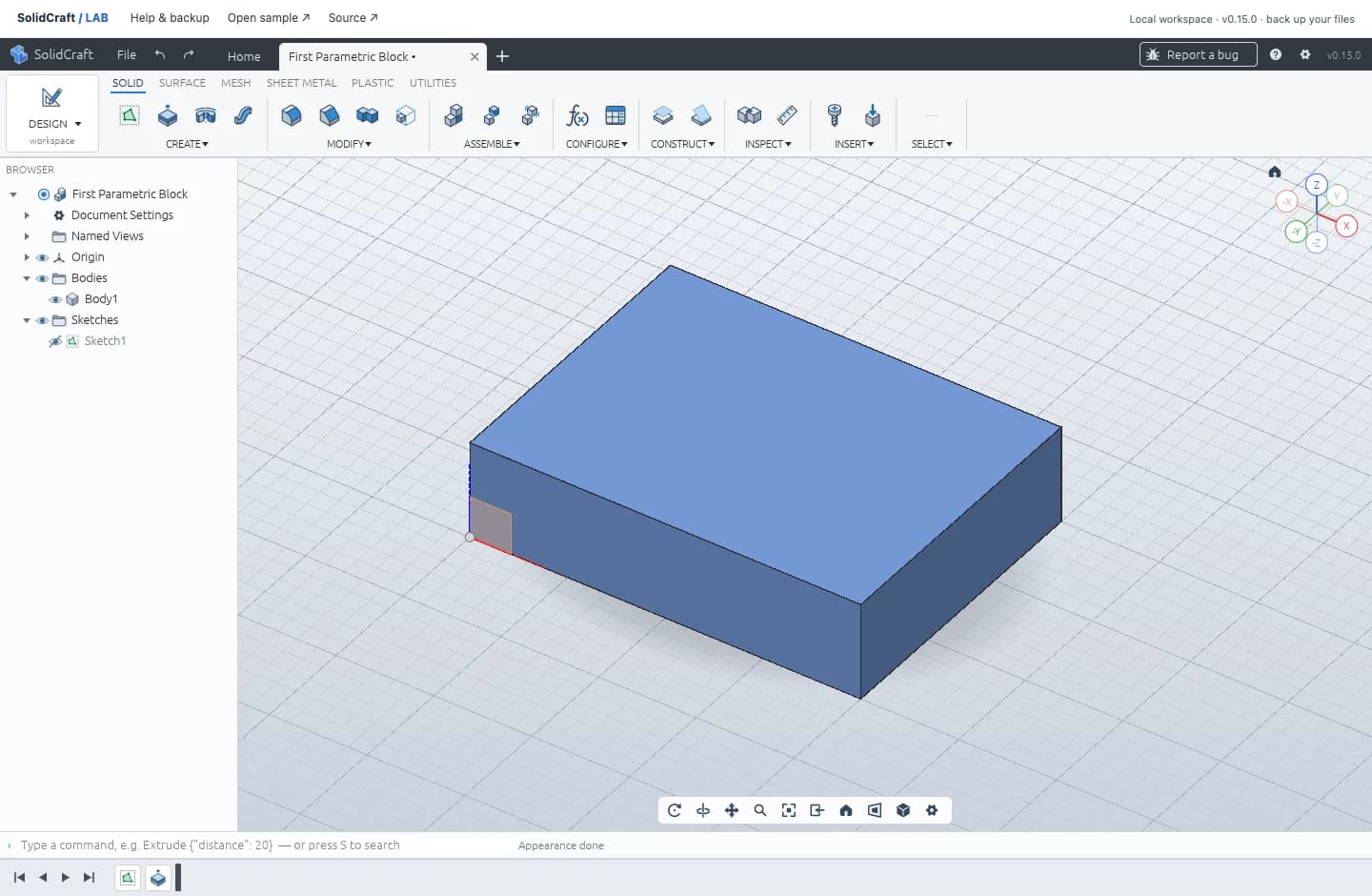 ACTUAL WORKSPACE · SOLIDCRAFT v0.15.0
Help with the SolidCraft web editor
Sketch and extrude a parametric block
The beginner tutorial starts with a 40 × 30 mm rectangle, adds driving dimensions, and extrudes it by 10 mm. It includes real screenshots, the expected geometry and a native-file backup check. You can also open the finished example and inspect Sketch1 and Extrude1 before drawing.
Follow the SolidCraft tutorial Inspect the finished blockIf SolidCraft Web will not start
If graphics initialization fails, try “Launch with WebGL2,” check browser hardware acceleration, and reload the launcher. The first launch downloads the CAD application, so allow time on a slower connection. An insecure connection can prevent local file storage from working.
If the workspace still cannot initialize, use the official web alternative above or choose a desktop release. Download a native backup from any working session before moving to another workspace; browser saves do not move with you.
Get the official desktop app